

Videos can be viewed in 3 different sizes:
- Small (250px X 188px) … This is the size on the selection screen.
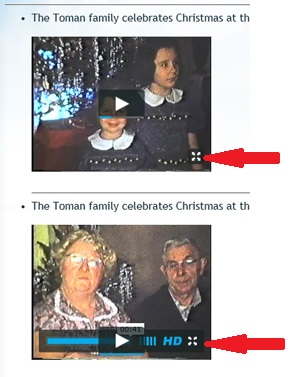
If you click the PLAY button on the selection screen the video will play in this small size. If you click on the “Full Screen” control , (seen below), a “Full Screen” or “Actual” size will be displayed.
- Medium (Normally 640px X 400px) … This is the actual size that the video was recorded in. Some videos may have been recorded larger than this.
To play in the Medium, (or Actual), size you must first click the ” Full Screen” icon from the selection screen and then toggle between “Full Screen” and “Actual” size by clicking on the toggle icon as seen below.
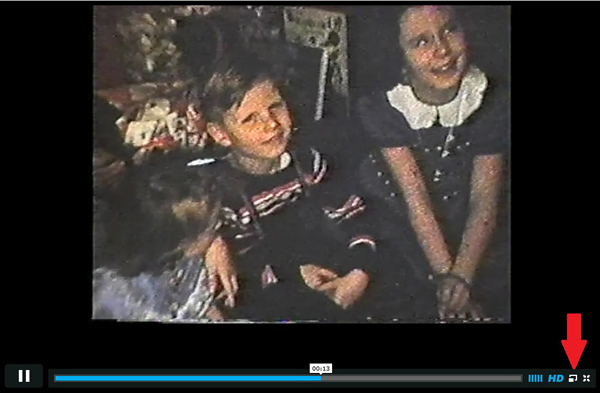
- Large (Depends on your screen size) … This is the “Full Screen” size and depends on your monitor or iPad.